> For the complete documentation index, see [llms.txt](https://docs.folio.works/llms.txt). Markdown versions of documentation pages are available by appending `.md` to page URLs; this page is available as [Markdown](https://docs.folio.works/getting-started/create-your-account.md).
# Create your Account
Creating a talent account on Folio.
### Create your account
{% stepper %}
{% step %}
### Open the sign-up page
Please visit [app.folioworks.com/signup](https://app.folioworks.com/signup). You will find fields designated for your email address, along with a Login button, a Sign Up option, and an option to Continue with Google.
{% endstep %}
{% step %}
### Enter your email
Enter your email address, a memorable password, and select ‘Sign Up’. A verification email will be dispatched to that address.
{% endstep %}
{% step %}
### Verify from your inbox
Please open the verification email and adhere to the provided instructions to complete the registration process. If the message is not visible in your inbox, kindly check your spam or junk folder, or consider resending the email
{% endstep %}
{% step %}
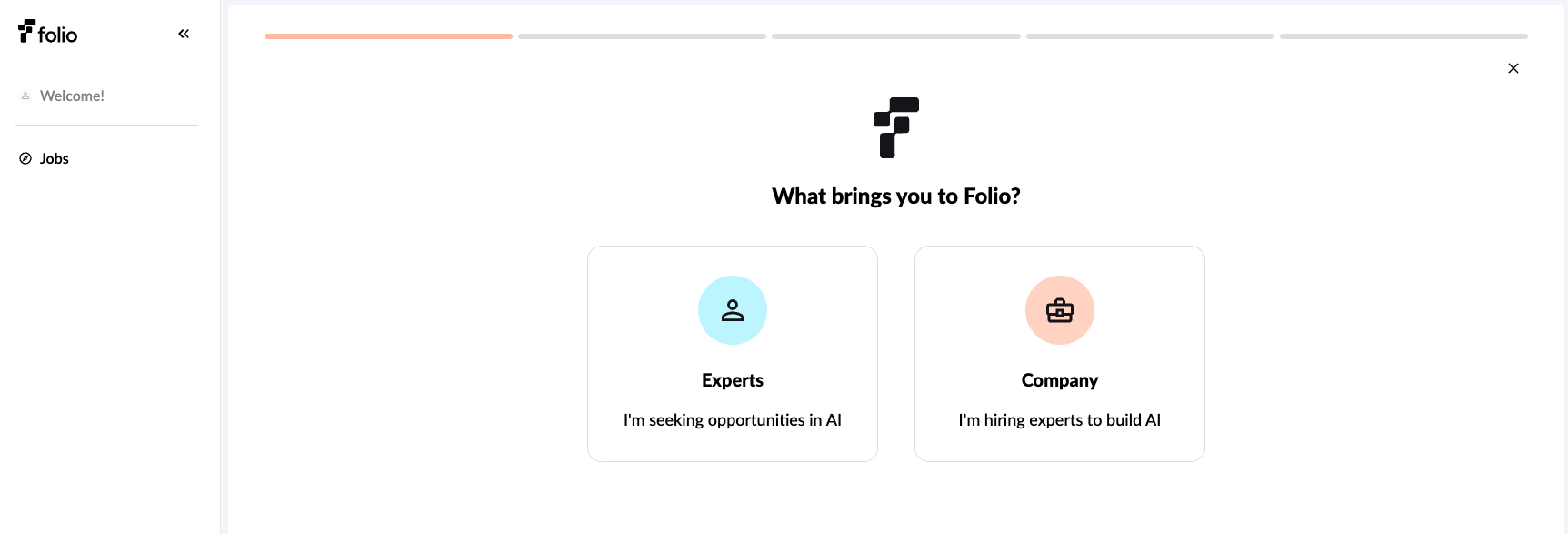
### Select your user type \[Expert]
{% endstep %}
{% step %}
### Follow the signup flow
Complete signup steps such as adding first and last name, location of residence, and uploading a copy of your resume. We'll extract key details of your resume automatically to build your profile. If you don't have a resume, check the box to skip for now.
{% endstep %}
{% step %}
### You're now ready to view projects!
{% endstep %}
{% endstepper %}