> For the complete documentation index, see [llms.txt](https://docs.folio.works/llms.txt). Markdown versions of documentation pages are available by appending `.md` to page URLs; this page is available as [Markdown](https://docs.folio.works/getting-started/payments.md).
# Payments
How to set up and link your bank account for seamless payments
{% hint style="info" %}
Stripe is Folio's primary payment processing method for ongoing work. Follow the steps below to connect your account.
{% endhint %}
{% stepper %}
{% step %}
### Start the setup from your settings
Go to the [Folio Settings Page](https://app.folioworks.com/settings?tab=account), select the Payment tab, then select the "Connect to Stripe" button.
{% endstep %}
{% step %}
### Create a Stripe account
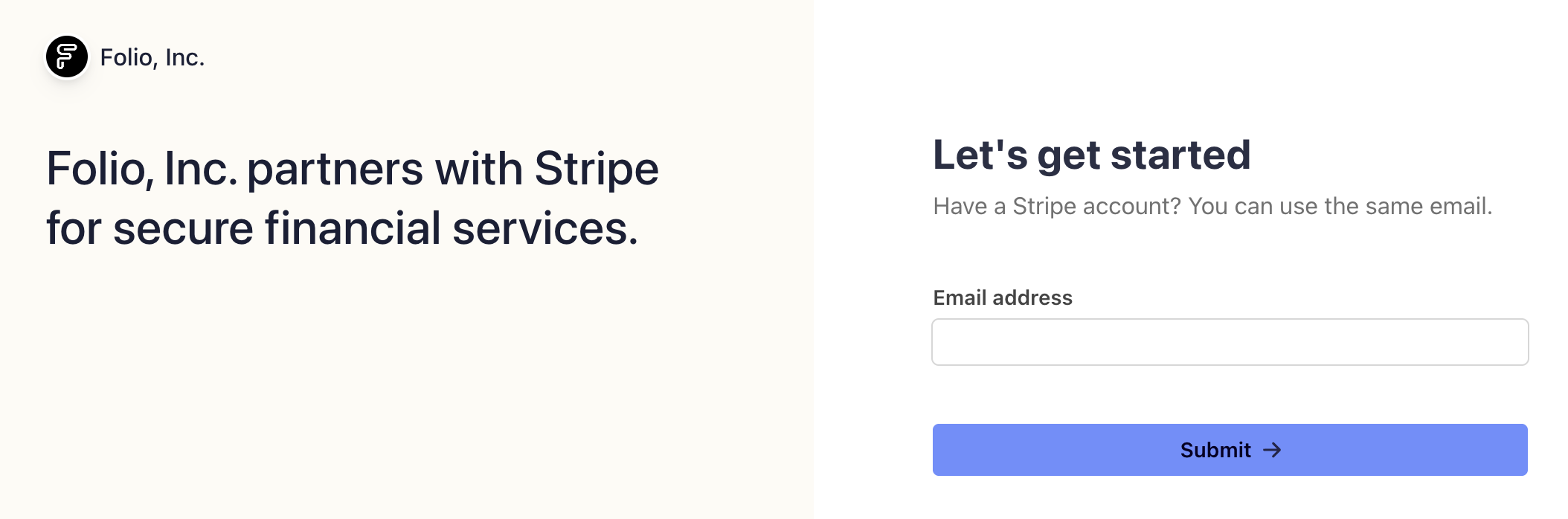
Continue by creating or logging into your Stripe account.
{% endstep %}
{% step %}
### Complete the Stripe setup flow
Please ensure you adhere to Stripe’s guidelines meticulously to complete your setup successfully. For further detailed information, Stripe offers additional documentation accessible here: support.stripe.com/express
{% endstep %}
{% endstepper %}
### About your Stripe Express account
* Stripe exclusively disburses to **bank accounts;** debit cards are not supported.
* Two-factor authentication is mandatory via SMS.
* Payouts can be monitored directly through your [Stripe dashboard](https://connect.stripe.com/).
### FAQ I am an individual, and the form asks for business details. What do I enter?
Specific fields marked with • are optional. Should a field be irrelevant to your circumstances, you are permitted to leave it blank.
Can I get paid in USD if I am in another country?
No. Although Stripe supports USD payouts in select regions, this feature requires both Folio's platform account and your connected account to be registered in the same region. Since Folio's platform is based in the United States, multi-currency settlement (including USD payouts outside the U.S.) is not currently supported. Payouts can only be processed in your local currency.
I already have a Stripe account. Can I use it with Folio?
No. You’ll need to create and connect a new Stripe Connect account during payment setup in Folio.
Can I reset the Stripe account linked to Folio?
Yes. Please go to your Earnings dashboard, click the Stripe option in the top-right corner, and select Reset Payment Setup.Note: Performing this action will permanently delete your previous Stripe data and transaction history associated with the existing Stripe account. Please do not perform this when you have a payment in transit or a balance on your existing Stripe account.
I want to log into Stripe but do not know my password.
You may reset your password on Stripe’s login page. Upon resetting, you will be able to access the Stripe Dashboard as usual.
How can I change the email address on my Stripe account?
Folio cannot modify any details in your Stripe account. Please get in touch with Stripe Support directly to update your email address.
How can I change my bank account for payouts?
You can modify or update your linked bank account at any time through your Stripe Connect Dashboard.Go to Settings > Payouts and update your external bank account details there.
How do I delete the bank info I gave when accepting my offer?
You can use the “Reset Stripe” option on your Earnings page to delete your connected Stripe account permanently. Note: This action will permanently erase all linked Stripe data and transaction history associated with your Folio account. **Please do not perform this when you have a payment in transit or a balance on your existing Stripe account.**
Stripe is asking for ID verification, but it keeps failing. What do I do?
This situation typically occurs when an individual’s personal name is entered as the company name, resulting in a discrepancy. Please contact Stripe Support to clarify the issue; they can conduct a manual review and verify your identity.
Stripe’s documentation says my country isn’t supported, but Folio's documentation says it is. Why is there a difference?
Stripe’s public site refers to standalone accounts. Folio uses Stripe Connect, a version designed for platforms that support more regions. If your country appears in our [supported countries list](https://talent.docs.mercor.com/policies/supported-countries#stripe-supported-countries), you can set up your Stripe Connect account directly from your Earnings dashboard.
My country is not supported. Can I use someone else’s bank account in the supported country?
No. For compliance reasons, we can only send payouts to a **bank account in your own name**, located in a **supported country**.We are unable to send payments to accounts belonging to relatives, friends, or companies you do not own.
Stripe says my account is on hold or payouts are paused. What should I do?
Holds are placed directly by Stripe and cannot be removed by Folio. Please log in to your Stripe dashboard, complete all pending actions, and contact Stripe Support if the hold remains. Once Stripe clears your account, payouts will resume automatically.
Can Folio pause, delay, or consolidate my payouts (e.g., monthly instead of weekly)?
No. Folio payouts are processed **automatically each week**, and we cannot manually hold, delay, or batch them.
Why can’t I add a foreign (e.g., USD) bank account to my Stripe profile?
Stripe only supports **local bank accounts** in the same country as your Stripe Express region. For example, a Canadian Stripe account cannot be linked to a U.S. bank account. You must add a bank account located in your Stripe region and supporting the currency of your Stripe region.
My bank says they cannot locate the payout without a reference number. Who provides this?
Stripe provides a **payout trace ID** once the payout is marked “Paid.” You can find this in your Stripe dashboard under Payout Details.
Can Folio speed up a Stripe or Wise payout that is taking long?
Unfortunately, no - once Stripe processes the payout, the timeline depends entirely on the banks involved.
I updated my bank details after payouts were sent. Will those payouts go to my new bank?
No. Payouts already initiated will continue to be sent to your old bank account. All future payouts will be made to the new bank account.
My offer rate doesn’t specify any currency/symbol. What currency will I be paid in?
Folio contract rates are in USD. Stripe/Wise will automatically convert your USD earnings into your local currency during payout.
Stripe is asking for my SSN (or any other ID/document) and bank account details to complete my setup. Can I proceed without providing these?
No. These identity verification requirements cannot be bypassed. Stripe requires this information — including SSN for U.S. users — to comply with financial regulations and securely process payouts. Without completing this verification, you won’t be able to proceed with your payout setup.
Stripe Is Asking for Banking Details That Don’t Exist in My Country (Sort Code, Routing Number, etc.). What can be done?
Stripe determines required banking fields based on the country selected during payout setup, not Folio. Even if a term like *sort code*, *routing number*, or *bank code* isn’t commonly used in your country, Stripe still requires a local bank identifier for payouts.The field name shown in Stripe may be generic, but it maps to a country-specific banking code (such as a bank code or branch identifier) behind the scenes. What to do: Contact your bank and ask for the exact value Stripe expects. These details are often not visible in online banking apps, so speaking with the bank is usually necessary.
Can Folio Change or Bypass Stripe’s Banking Requirements?
No. Folio cannot change, bypass, or override Stripe’s banking requirements. Stripe controls:
* Which banking fields are required
* How those fields are labeled
* Whether the bank details are valid
If you’ve confirmed the details with your bank and Stripe still rejects them, the next step is to contact Stripe Support directly from your Stripe dashboard, including the error message and your bank’s confirmation.